Woot! doesn't have a dark mode. Its shopping pages are always light, whatever your browser or system is set to. The free BetterWoot extension for Chrome adds one: a dark theme made for Woot!'s pages, which can switch on and off with your system.
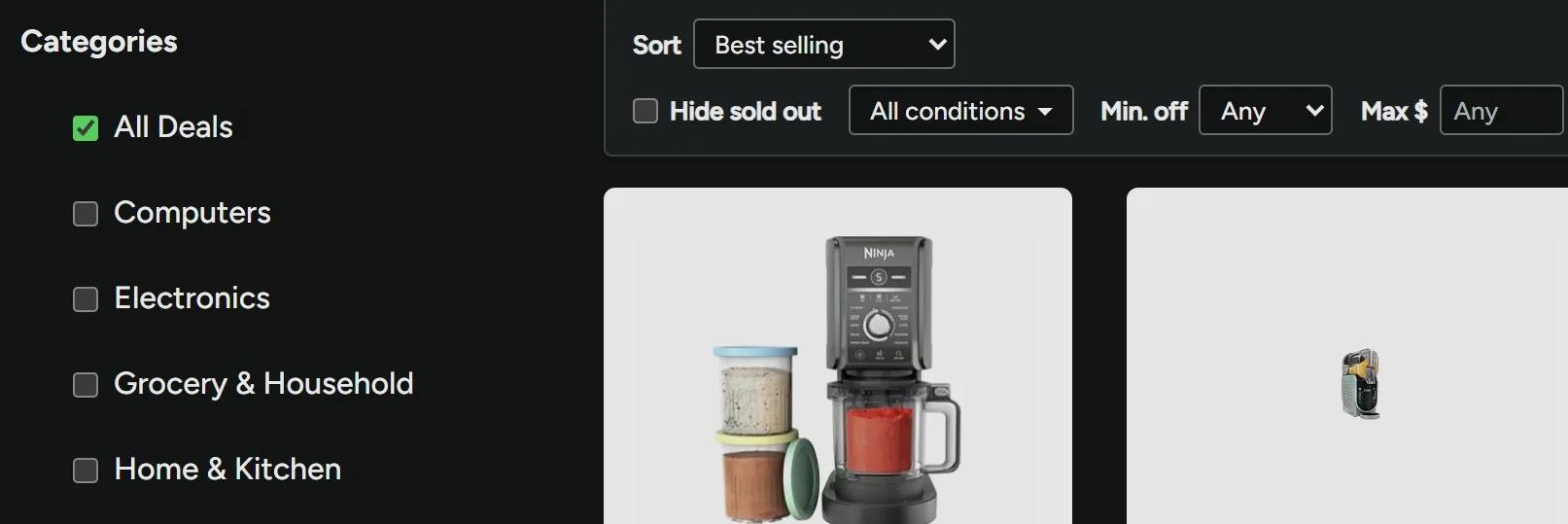
What Woot! offers on its own
As of October 2026:
- The website has no dark mode, and doesn't follow your system's dark setting.
- Woot!'s forums do follow your system setting, and switch to a dark theme on their own.
- Woot!'s iOS app doesn't support a dark appearance.
How to turn on BetterWoot's dark mode
- Install BetterWoot from the Chrome Web Store. It's free.
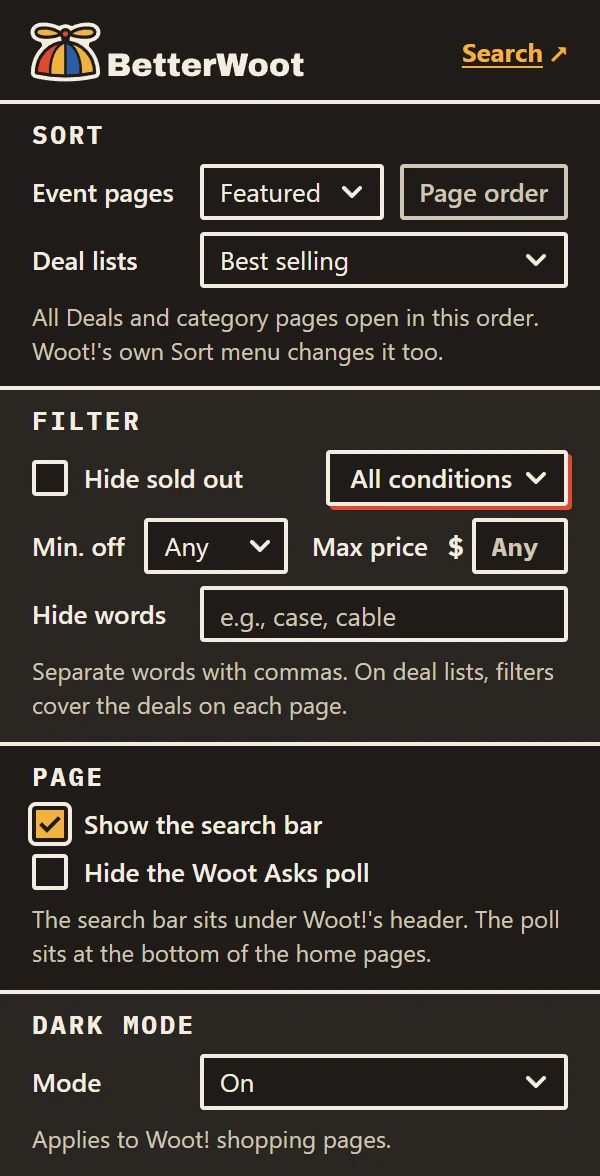
- Click the BetterWoot icon in Chrome's toolbar.
- Under Dark mode, choose On, or Match system to follow your computer's light or dark setting.
How it works
- Three settings. Off (the default, so Woot! looks exactly as it always has), On, and Match system, which changes along with your system's setting, live.
- Hand-built. It's a theme written for Woot!'s own pages, not an automatic color flip, so product photos and Woot!'s layout stay intact.
- No white flash. Pages load already dark, instead of flashing white first.
- Shopping pages only. It covers Woot!'s shopping pages, including the category sites, Clearance, and Shirt.Woot. Sign-in, checkout, your account, and the forums are left alone.
- Prints in light. Printing a page uses Woot!'s normal light styles, and your system's high-contrast mode still takes over when it's on.
Questions
Does Woot! have a dark mode?
Not on its shopping pages, as of October 2026. The BetterWoot extension adds one.
Does the Woot! app have a dark mode?
Woot!'s iOS app doesn't support a dark appearance as of October 2026.
Is BetterWoot's dark mode free?
Yes. BetterWoot is free, with no accounts, ads, or tracking.