
Woot! has no search box, on its website or in its app. To find something specific, you either browse category by category or search somewhere else. The quickest way is BetterWoot Search, a free tool that searches every live Woot! deal at once, in any browser.
Here's what your options are, and how to get the most out of each.
What Woot! gives you
Woot! is built for browsing, not searching. On woot.com and in Woot!'s app (checked October 2026):
- No search. There's no search field on the website or in the app, and a search address like
woot.com/search?q=laptopgives Woot!'s "we can't find that" page. - Category lists. All Deals and each category (Home & Kitchen, Electronics, Computers, and so on) list their deals a page at a time.
- Sorting and price ranges. Those lists sort by best selling, discount, newest, or price, and All Deals adds Today only and Last chance. You can narrow them to a price range like "Under $25."
That works for browsing a category. It doesn't help when you want, say, every Bluetooth speaker on the site, or only refurbished laptops under $300. And with about 9,600 live deals on a typical day in October 2026, browsing everything isn't practical.
Search with BetterWoot Search
BetterWoot Search searches all of Woot!'s live deals in one place. It works on phones and computers, in any browser, with no account and no sign-up.
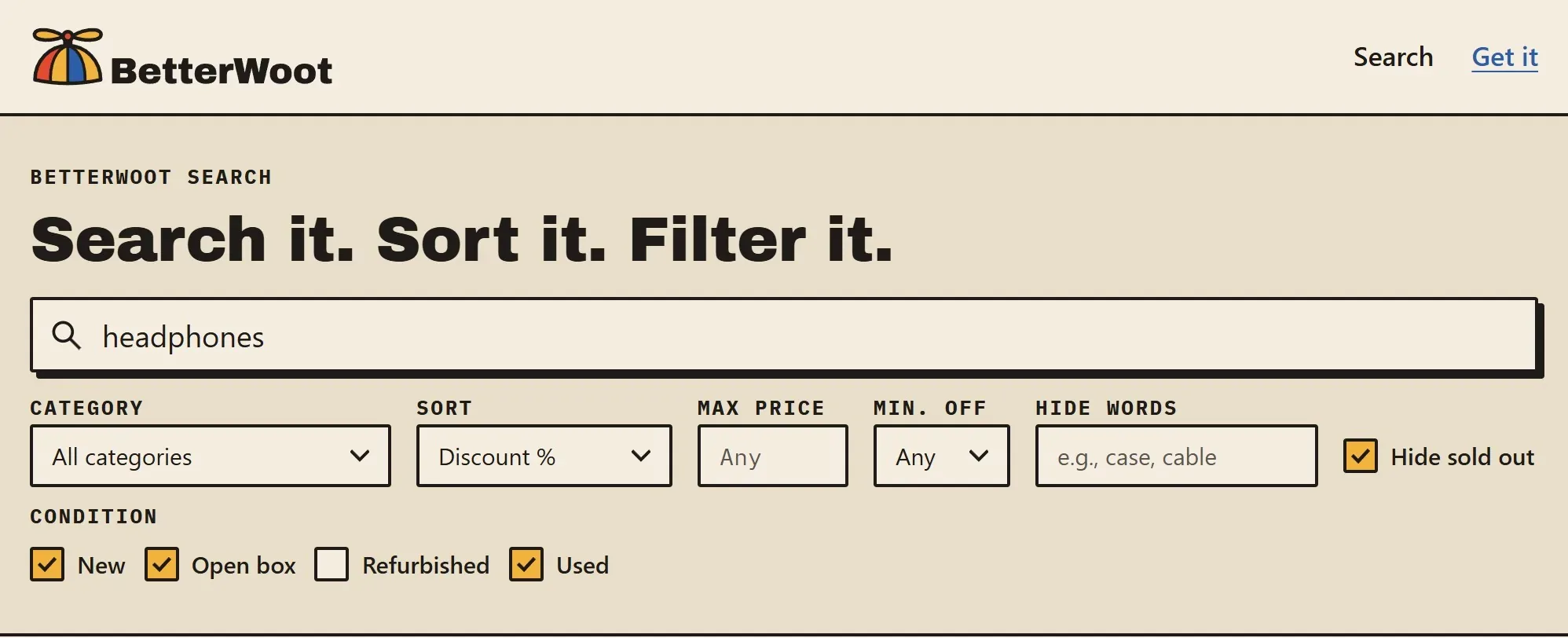
- Type what you want. Results come from every category, Clearance and Shirt.Woot included.
- Sort by best match, discount, price, Ending soon, or Newest first.
- Filter by category, a maximum price, a minimum discount (20% to 80% off), and condition (New, Open box, Refurbished, Used). (See what Woot!'s conditions mean.)
- Hide words you don't want to see, like "case, cable" when you're looking for the phone itself.
- Hide sold out to see only what you can still buy. The best deals sell out fast.
- Share a search. Your search lives in the page's address, so you can bookmark it or send the link to someone.
Some searches to start with:
- Deals 60% off or more, still in stock
- Newest deals first
- Ending soon, still in stock
- Under $10, still in stock
The deal list refreshes every 20 minutes, so a brand-new deal or a sellout can take a few minutes to show. Woot.com always has the final word on price and stock.
Your searches stay private: BetterWoot Search downloads the deal list and searches it in your browser, so what you type is never sent anywhere. (See the privacy policy.)
Search from Woot! itself
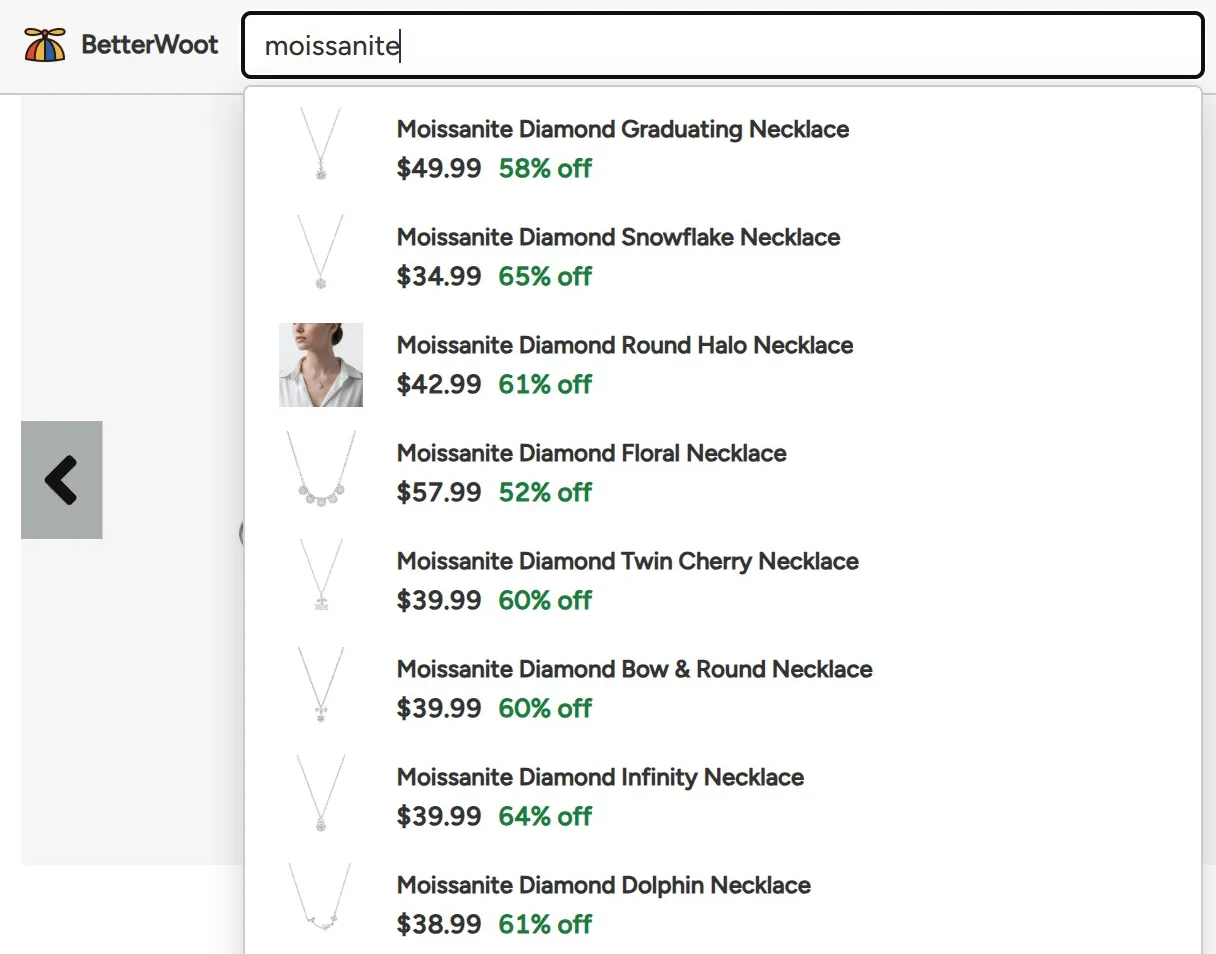
The free BetterWoot extension for Chrome adds a search bar to Woot!'s own pages. Results drop down as you type, and Enter opens the full results. It can also give Woot! a dark mode.
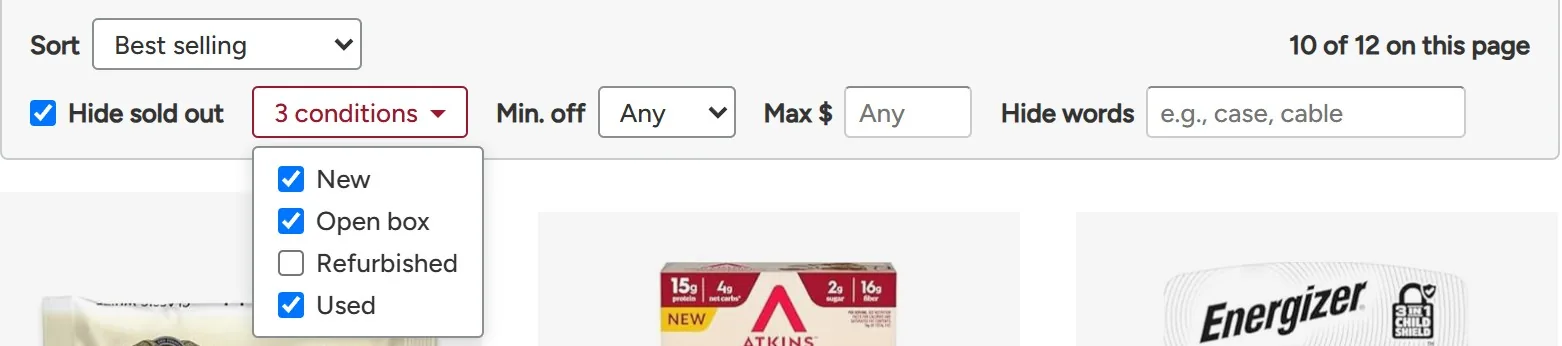
It also adds filters to Woot!'s All Deals and category lists: condition, a minimum discount, a maximum price, words to hide, and hiding sold-out deals. They apply to the whole list, not just the page you're on.
Other ways to search
- Google. Searching
site:woot.complus what you want (for example,site:woot.com air fryer) finds Woot! pages, but many results are deals that already ended, and new deals can take a while to show up. - Alerts. Woot! doesn't offer waiting lists or restock alerts. Its app can notify you about Woot-Offs and app-only deals, but not about a particular product. A bookmarked BetterWoot search is the closest thing.
Questions
Does Woot! have a search bar?
No, not on its website or in its app, as of October 2026. You can browse and sort its category lists, but you can't search by keyword.
Is BetterWoot Search free?
Yes, and so is the extension. There are no accounts, ads, or tracking.
Is BetterWoot run by Woot! or Amazon?
No. BetterWoot is an independent project that uses Woot!'s public deal data. It isn't affiliated with Woot! or Amazon.
Can I buy through BetterWoot Search?
No. Every result links to the deal on woot.com, and you buy it there as usual.